The simple side of Dispatch. Check your email, answer what can't wait, and see what's next on your calendar. Then put your phone away.
Free during beta · iPhone and iPad · Works with Gmail and Google Workspace
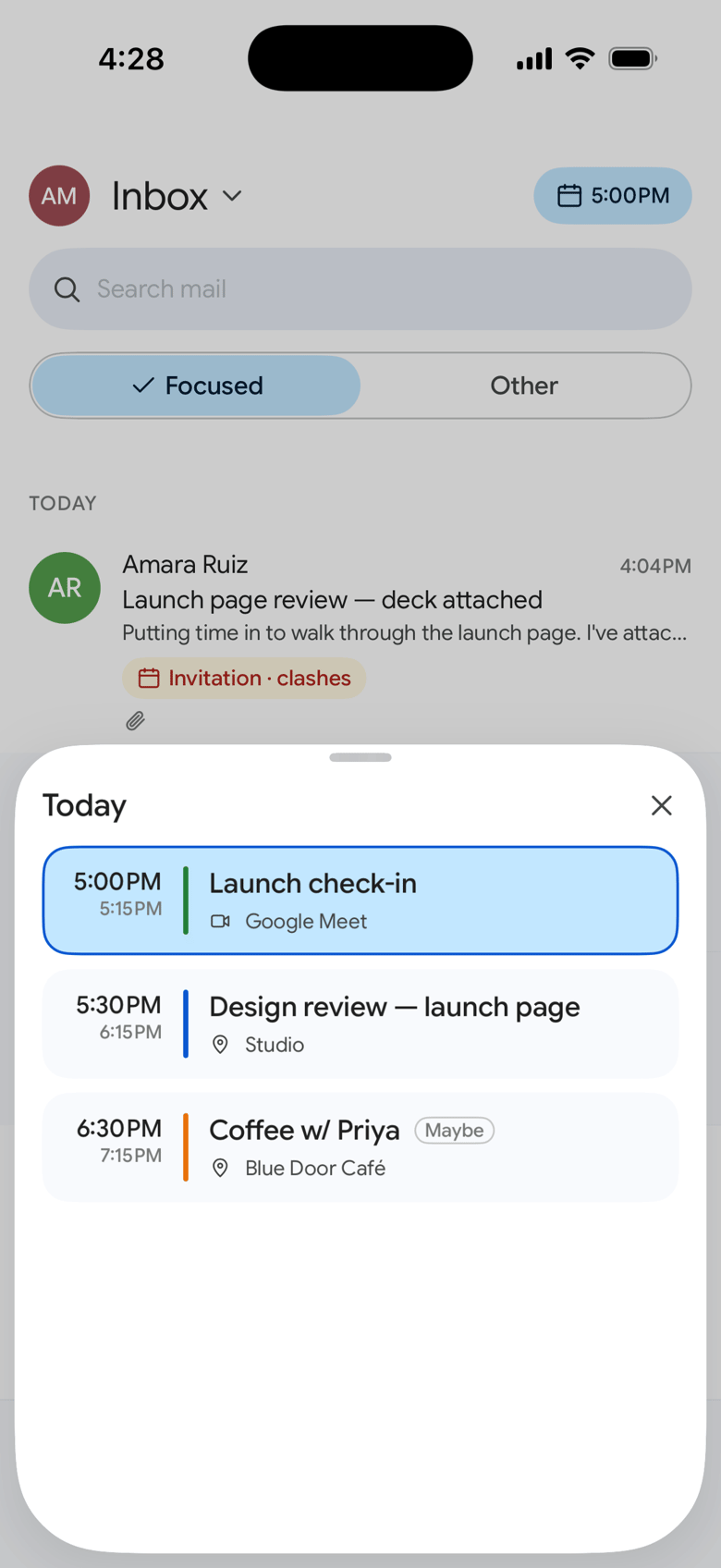
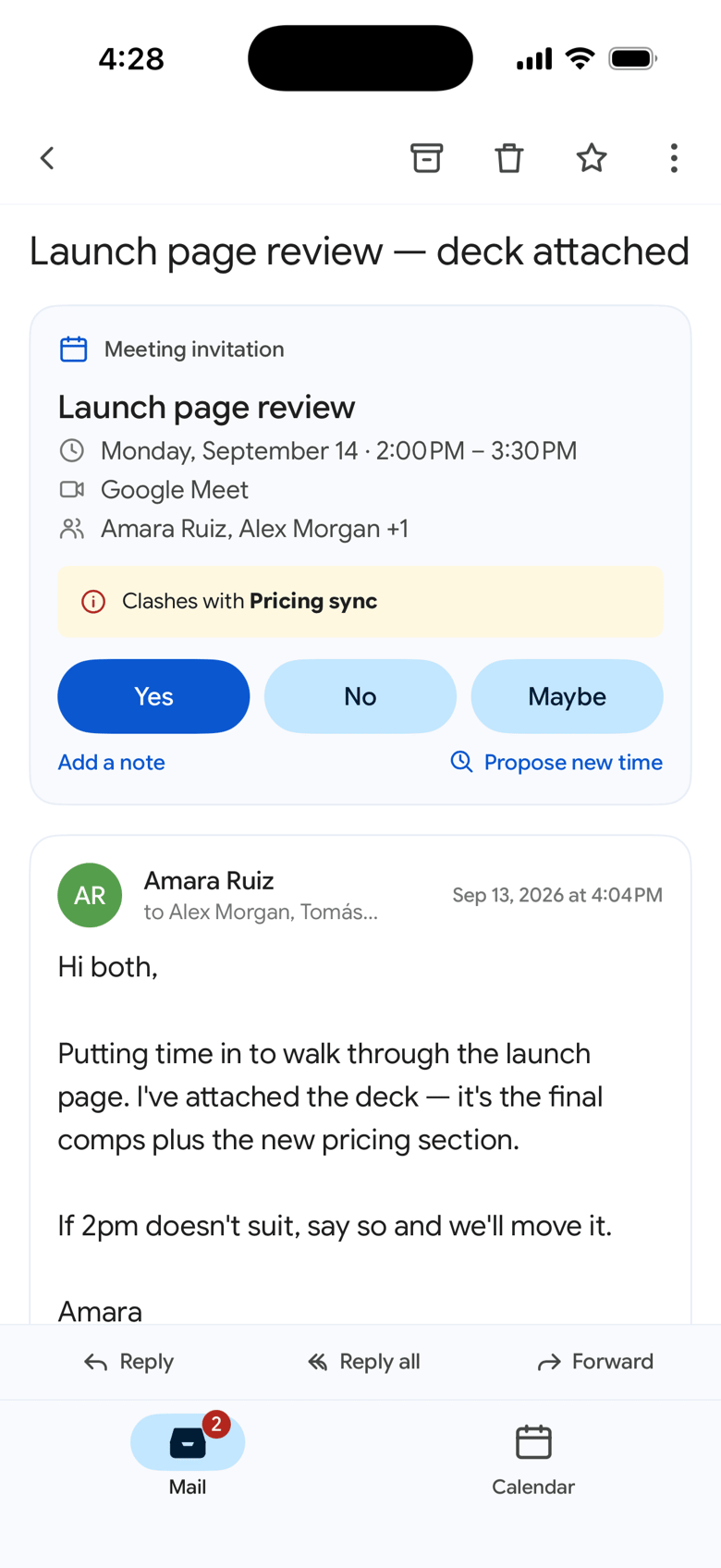
Your Mac is where you work through the day: three panes, Drive, Tasks, meetings, the Assistant. Your phone is where you check in on it. So Dispatch for iPhone does a few things, and does them quickly.
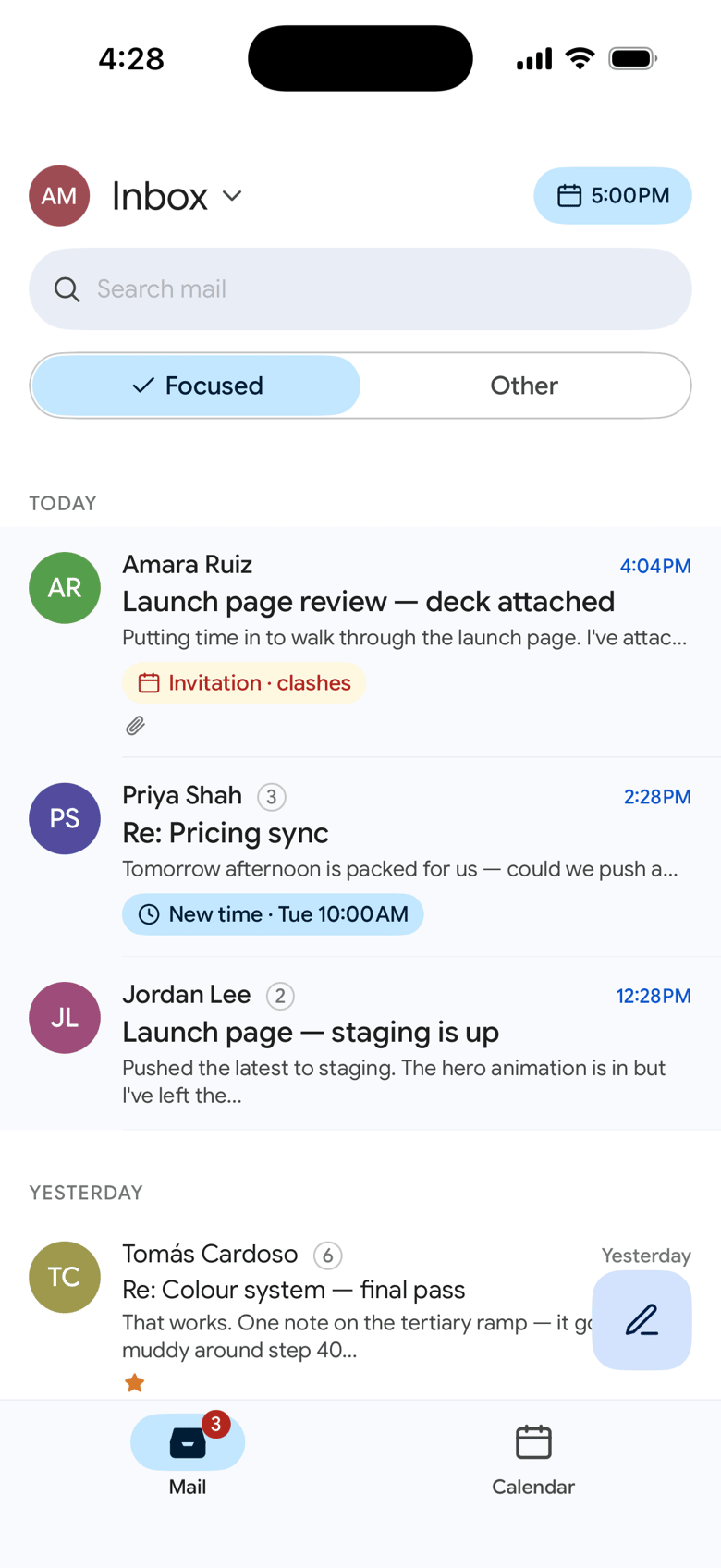
Mail is grouped the way you scan it: today, yesterday, this week. Swipe to archive, reply when it can't wait, and leave the rest for your desk.

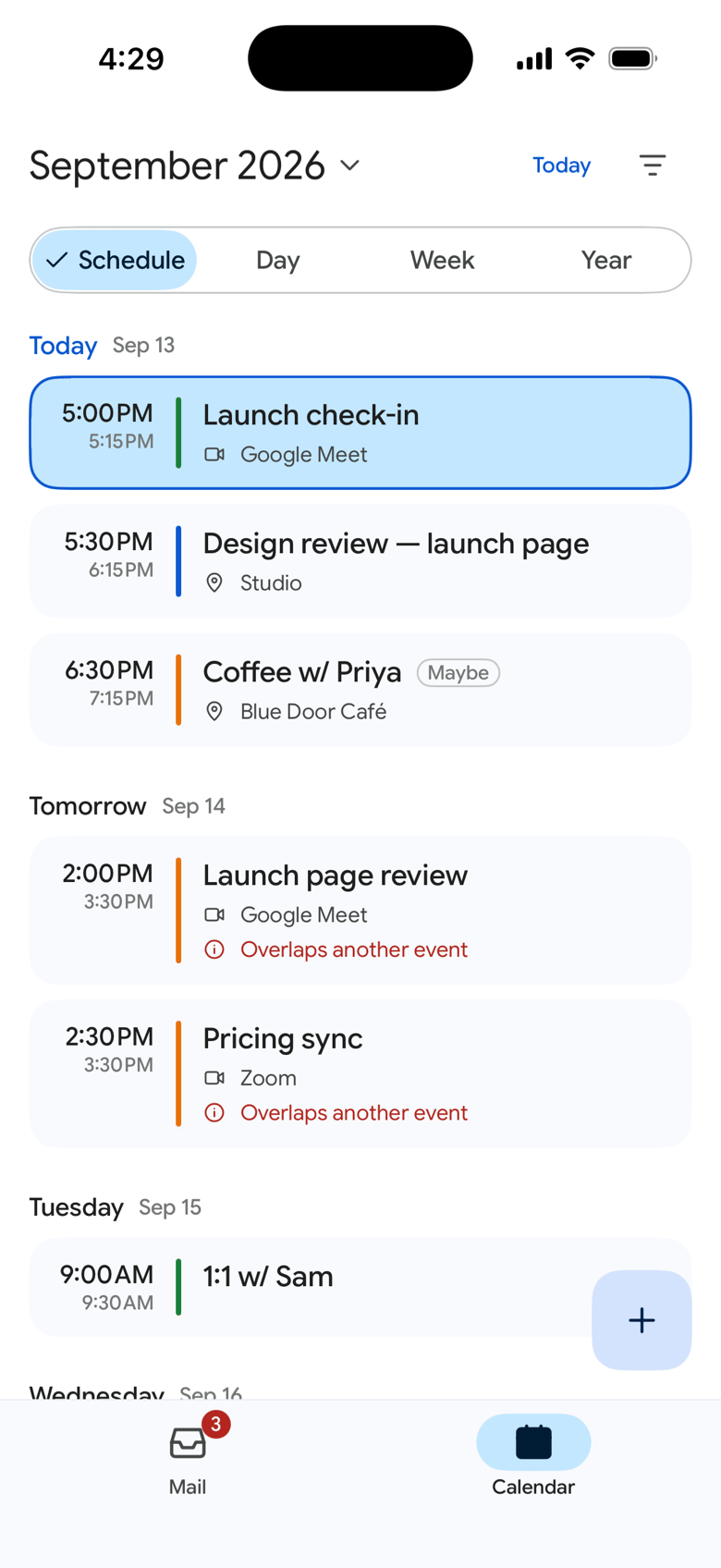
Your calendar opens on what's coming up, with the full day one tap away. And your agenda is a tap from the inbox, so “am I free at 3?” never means leaving your mail.

Accept or decline with a note, see a clash before you answer, or propose a new time. It all happens right inside the thread.

Tap a notification and you land on that email. Meeting reminders show up on time, even with the app closed.
For checking in
For getting through the day
Dispatch syncs straight from Google to your phone and keeps it in the app's encrypted storage. Even notifications are put together on your device: our relay only learns that something changed in your inbox, never who sent it or what it says.
Dispatch for iPhone and iPad is in private beta, and seats are limited. Tell us who you are and request an invite — we review every request and send a TestFlight invite as seats open. Free for the whole beta.
Works with Gmail and Google Workspace accounts. By signing up, you agree to receive beta invites, product updates, and occasional news from BM Interactive Group. Unsubscribe anytime.